I got prime-sync, gdm login screen and all working here.
Before:
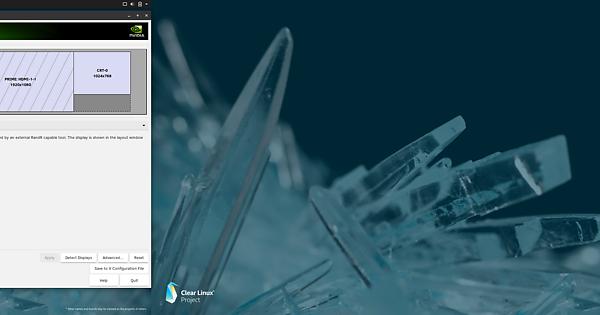
After:
Using monitos.xml

There is more to it then you can find at the clear linux forums, using prime sync I noticed the gdm login screen was empty, but in fact funny it was displayed on the crt-0 ghost screen wich you cannot see as some vga bioses have them hardcoded, I could just hit “Enter” and enter the password and the desktop would load. The key is to right click on the desktop and setup the display settings, if all is ok you will have a monitor.xml file in .config, then you can copy this xml over to gdm, “cp /home/username/.config/monitors.xml /var/lib/gdm/.config/”
And login screen will work again like we all are used to, I also suggest not to use the baremetal kernel, it will break the driver more often so I decided to stay on the latest LTS kernel.
I will upload my configs to my github soon, just need some time because some of the scripts are from others, so either I inform them or copy them and just metioning them.
Have a nice day!